
LangGraph and Crewly both get called "multi-agent" tools, and both are open source. They are not competing for the same job. LangGraph is a library you write agents with. Crewly is a program that runs agents that already exist. This post sets out what LangGraph is, from its own pages as of 9 October 2026, and which one fits which kind of work. It is not a ranking.
The short version
| LangGraph | Crewly | |
|---|---|---|
| What it is | A low-level orchestration framework and runtime for building stateful agents | An open-source orchestrator for a standing team of CLI agents |
| You work in | Code: nodes, edges and state, in Python or JS/TS | A dashboard, Slack and plain-language requests |
| Where the agents come from | You build them from models and tools | Existing CLIs: Claude Code, Codex, Gemini CLI, OpenCode and Antigravity, mixed per agent |
| Who delegates | A pattern you write, such as orchestrator-worker | A lead agent splits a request and hands out tasks |
| State and memory | Checkpointers for thread state and stores for long-term memory, which you configure in code, or the Agent Server handles for you | Each agent's role and memory saved as files under ~/.crewly/ |
| Run it | pip install -U langgraph, then write your graph | One-line installer, then crewly start |
| Licence | MIT | MIT |
| Best at | Building a custom agent or workflow that behaves exactly as your app requires | Getting a team of coding and business agents working without writing orchestration code |
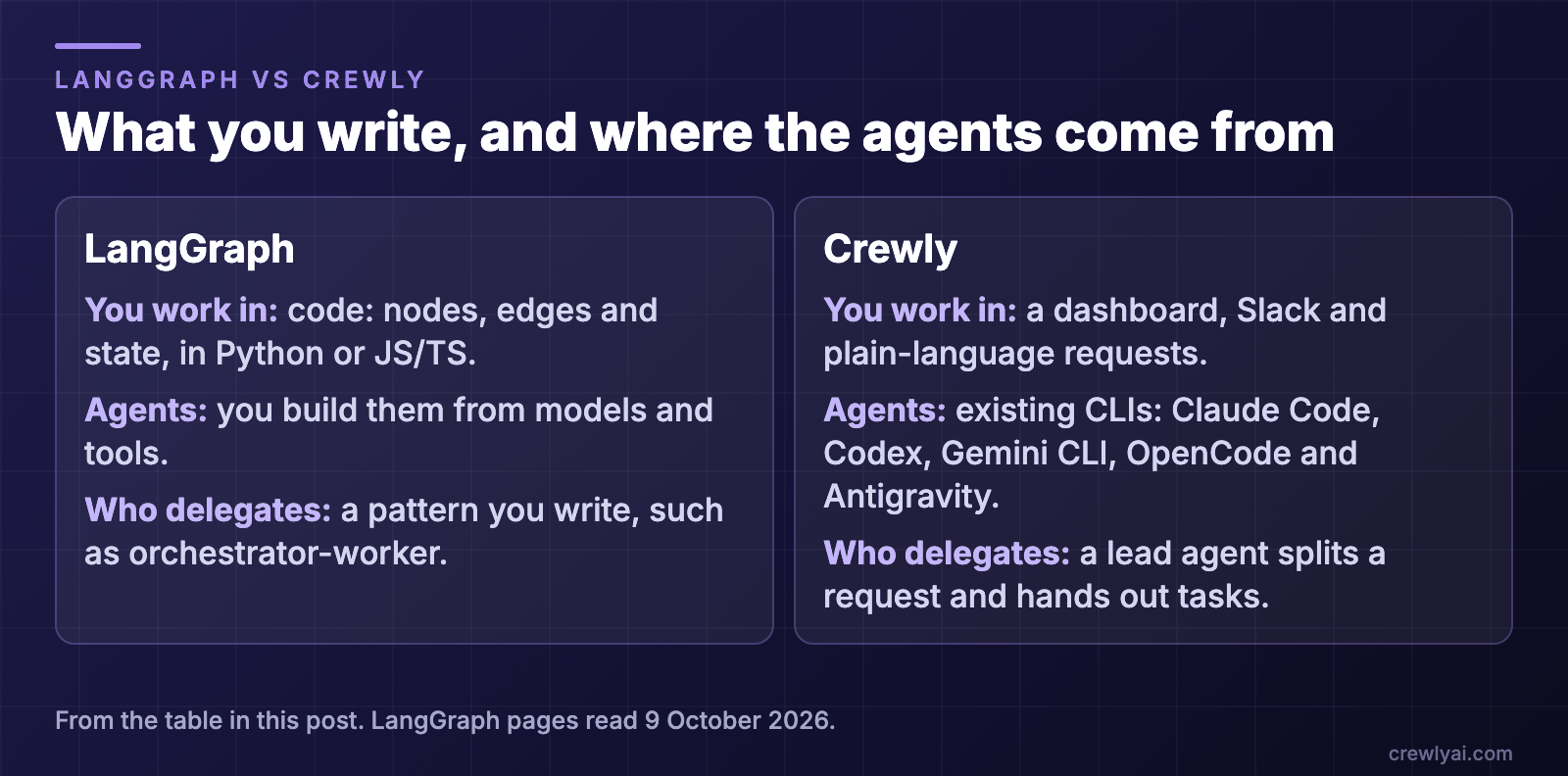 Diagram: what you write and where the agents come from. LangGraph: you work in code (nodes, edges and state, in Python or JS/TS), you build the agents from models and tools, and delegation is a pattern you write, such as orchestrator-worker. Crewly: you work in a dashboard, Slack and plain-language requests, the agents are existing CLIs, and a lead agent splits a request and hands out tasks.
What is LangGraph?
The LangGraph README describes it as a "low-level orchestration framework for building, managing, and deploying long-running, stateful agents." The docs overview adds that it is "very low-level, and focused entirely on agent orchestration", and says it "gives you fine-grained control to mix deterministic, hand-coded steps with LLM-driven agentic steps in the same graph".
How it works, from the README and docs:
- A graph in code. The hello-world example in the docs builds a
StateGraph, adds nodes and edges, compiles it and callsinvoke. - A runtime, not a prompt layer. The docs say LangGraph "does not abstract prompts or architecture". LangChain's own page on its stack calls LangGraph an agent runtime that provides the tooling for running agents in production, and lists durable execution, streaming, human-in-the-loop and persistence.
- Persistence. The persistence page says checkpointers "persist a thread's graph state as checkpoints" and are used for short-term, thread-scoped memory, with stores for long-term memory across interactions.
- Patterns you can build. The workflows page describes an orchestrator-worker configuration in which the orchestrator breaks down tasks, delegates subtasks to workers and synthesizes worker outputs, and says "LangGraph has built-in support for them" through the
SendAPI. - Other LangChain products around it. The overview lists LangChain, LangSmith for tracing and evaluation, and LangSmith Deployment, and says LangGraph "is built by LangChain Inc, the creators of LangChain, but can be used without LangChain". The README also points to Deep Agents, "a higher-level package built on LangGraph for agents that can plan, use subagents, and leverage file systems for complex tasks".
What LangGraph does well
- Control. You decide exactly which steps are fixed and which are left to a model, and where a human can step in.
- Durable, long-running work. The docs name durable execution that resumes "from where they left off" as a core benefit.
- A stack around it. Tracing, evaluation and a deployment platform from the same company, if you want them.
- Agents that are part of your own product. If the agent has to live inside your application, a library you import is the natural shape.
What the LangGraph pages do not describe
The pages we read describe agents you build in code. They do not describe a ready-made team of named roles, or running CLI coding agents such as Claude Code or Codex as the agents in a graph. That is not a gap in the library: it is a framework, and what you put in the graph is up to you. Notably, LangChain's own page lists "other coding CLIs" as examples of agent harnesses, a different category from the runtime LangGraph describes itself as.
Where Crewly fits
Crewly starts from the other end. You do not write the orchestration; you define a team and the agents are CLIs you may already use.
- A standing team. You define roles once (an orchestrator, a team lead, developers, a QA, or a content or sales role) and the team and each agent's memory are saved under
~/.crewly/, so they survive a restart. - A lead that delegates. A lead agent splits a request into tasks, hands them out, and checks the result before it is closed.
- Existing agents, mixed. Claude Code, Codex, Gemini CLI, OpenCode and Antigravity, each in its own terminal session, each able to use a different CLI.
- Agents build their own memory. They save what they learn with a
rememberskill and read it back withrecall, as plain files on your machine. - A dashboard and Slack. Live terminal streams and a task board in the browser, and an optional Slack bridge in which each agent can have its own bot you
@or DM. See Claude Code Slack bot for every agent.
Two honest limits. Crewly is not a library: you cannot import it to shape a custom graph, and what the agents do is whatever their CLIs can do. And by default its agents share the project directory, so if you want a branch per task you turn on the per-project worktrees setting.
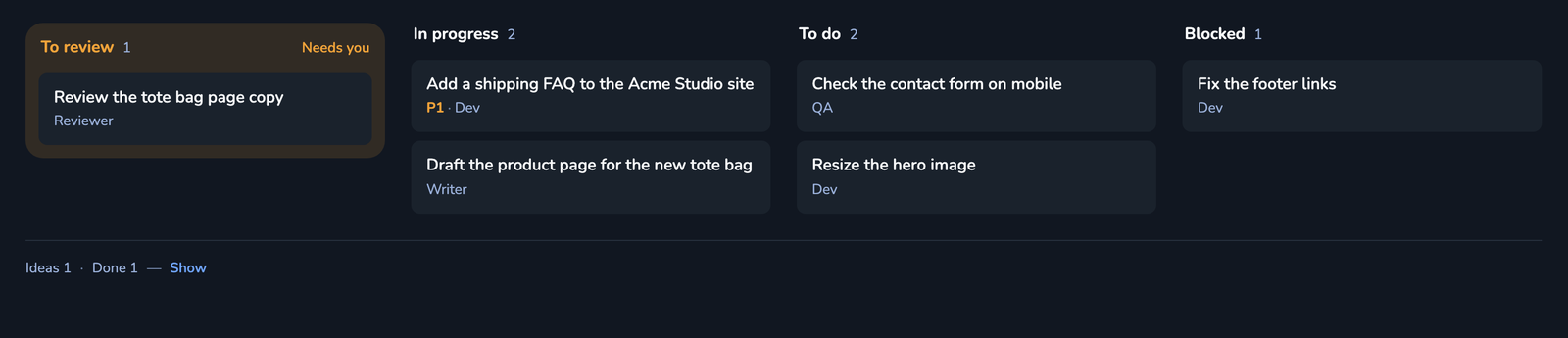 Screenshot of the ticket board columns in the Crewly dashboard, with demo data: one ticket to review, two in progress, two to do and one blocked, each with its assignee.
Which should you pick?
- You are building an agent or workflow into your own product, and want control over every step: LangGraph.
- You want a team of Claude Code, Codex and other agents working on your projects, with roles and memory, and no orchestration code to write: Crewly.
- Both: fine. They sit at different layers.
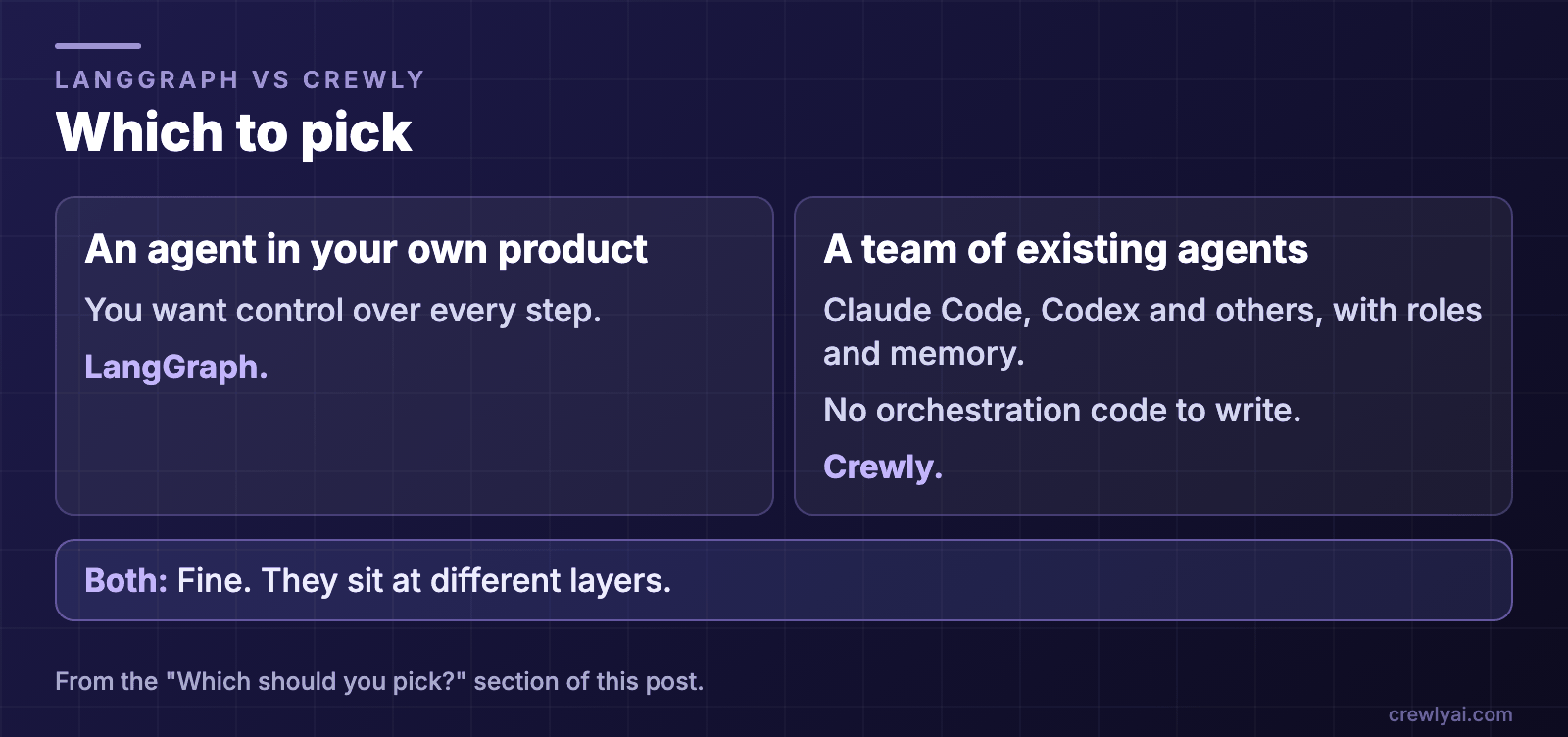 Diagram: which to pick. An agent or workflow built into your own product, with control over every step: LangGraph. A team of existing agents with roles and memory and no orchestration code to write: Crewly. Both is fine, since they sit at different layers.
To try Crewly, install Node.js 22 or newer first (the installer from nodejs.org, or Homebrew / your package manager), then run:
curl -fsSL https://crewlyai.com/install.sh | bash
Open a new terminal and run:
crewly start
Prefer npm? npm install -g crewly works if your Node comes from Homebrew or the nodejs.org installer.
crewly start opens the dashboard at http://localhost:8787. The getting started guide covers your first team, and How to run multiple agents in Claude Code compares worktrees, subagents, agent teams and an orchestrator. For other comparisons, see OpenHands vs Crewly and Conductor vs Crewly.
FAQ
What is LangGraph?
LangGraph is an open-source (MIT) library from LangChain. Its README calls it a "low-level orchestration framework for building, managing, and deploying long-running, stateful agents". You write the agent as a graph in Python (a JS/TS version also exists).
How is LangGraph different from Crewly?
LangGraph is something you build agents with: you define the nodes, edges and state in code. Crewly is something you run: it starts ready-made CLI agents such as Claude Code and Codex, gives each a role, and lets a lead agent delegate between them.
Can LangGraph run Claude Code or Codex as agents?
The LangGraph pages we read do not describe running CLI agents such as Claude Code or Codex as the agents in a graph. They describe agents you build from models and tools in code. Crewly starts those CLIs directly, each in its own terminal session.
Is LangGraph a multi-agent framework?
Its docs describe an orchestrator-worker pattern in which an orchestrator breaks down tasks, delegates subtasks to workers and synthesizes their outputs, and say LangGraph has built-in support for it through the Send API. You build that pattern yourself in code.
Can I use both?
Yes. They sit at different layers. If you are building an agent product in code, LangGraph is a runtime for it. If you want a team of existing coding agents working on your projects, Crewly runs them.
Sources
All facts about LangGraph are from its own pages, read on 9 October 2026: the LangGraph repository README, the LangGraph overview, Workflows and agents, Persistence and Runtimes, frameworks, and harnesses. We do not repeat prices, star counts or benchmark claims; check the pages. Crewly: repository, crewlyai.com.