
Devin is Cognition's AI software engineer: you hand it a task in Slack or a ticket, and it comes back with a pull request. People who search for "Devin alternative, open source" usually want one of two things. Either they want the same hand-it-a-ticket workflow with open-source tools you run yourself, or they want something other than a single agent, for example a team. This post covers both, using each tool's own pages as of 9 October 2026.
What Devin is
Devin's site calls it "your team's autonomous software engineer" and says it "runs in the cloud or on your machine, tests in its own browser, and won't stop until the PR is ready to merge". The pages describe these ways to use it:
- Start from where you already work. Tag @Devin in Slack, Teams and other tools, assign issues from Linear or Jira, or set up automations so Devin handles "bugs, failed CI, and other alerts" ("Fix CI when it fails").
- Parallel cloud agents. "Delegate a big task, then Devin splits it across parallel cloud agents, manages them, and reports back."
- Its own machines. It "spins up its own Windows, Mac, and Linux virtual machines as needed", and each session runs in its own VM.
- A workspace you can watch. Its docs describe "Devin's Workspace", with Shell, IDE and Browser tools, where you can follow the work in real time and take over.
The docs give a rule of thumb for what to hand it: "if you can do it in three hours, Devin can most likely do it." They also say Devin "can handle most tasks, excluding extremely difficult tasks." We do not quote prices here; check Devin's pricing page.
What "run it yourself" means
The word covers three different things, and it helps to separate them:
- The software runs on your machine. You install it and its agents work in your project folder.
- The code stays on your machine. The agent reads and edits files locally. The model calls still go to the provider you choose, unless you run a local model.
- You own the setup. You decide the sandbox, the permissions and how it is kept running.
None of the tools below removes the model provider from the picture. They differ in where the agent runs and how it is organised.
The short version
| OpenHands | Claude Code | Conductor | Crewly | |
|---|---|---|---|---|
| Shape | A control center for agent conversations and automations | One coding agent, in your terminal, editor or the cloud | A Mac app, plus Conductor Cloud, with one workspace per task | A standing team of agents with roles |
| Where it runs | Your machine, your containers or OpenHands Cloud | Your machine, or Anthropic's cloud sessions | Your Mac, or Conductor Cloud (isolated microVMs) | Your own machines |
| Start work from | Its browser client, or automations integrated with Slack, GitHub, Linear and more, run on a schedule or on webhook events | Terminal, IDE, the Claude app or the browser | The Mac app, Conductor Cloud on desktop and iOS, or the API | A dashboard, or Slack with a bot per agent |
| Several agents at once | Several conversations, each with its own agent | Several sessions | Parallel workspaces, each with its own branch | A team: a lead delegates, agents hand work to each other |
| Memory across days | Not described in the pages we read | CLAUDE.md and auto memory | Not described in the pages we read | Per-agent memory saved on your machine |
| Licence | MIT | Not covered in the pages we read | Not stated on the pages we read | MIT |
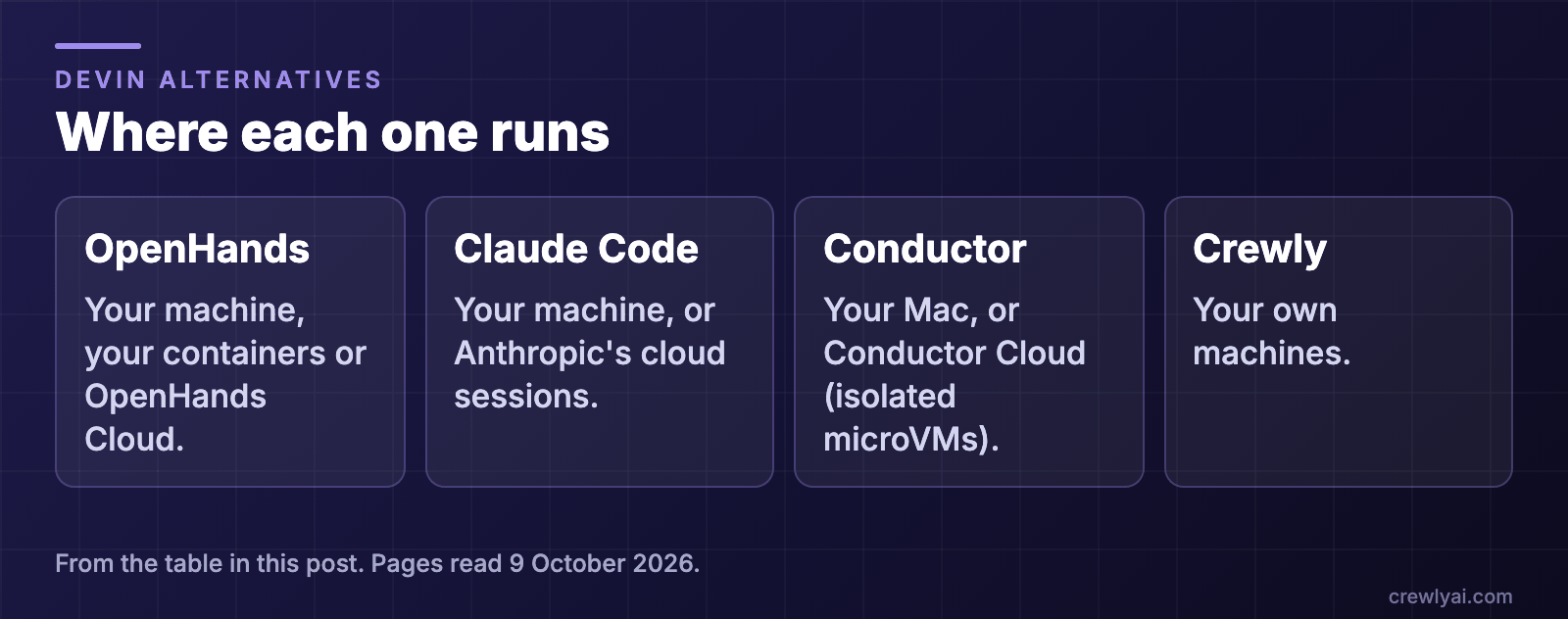 Diagram: where each one runs. OpenHands: your machine, your containers or OpenHands Cloud. Claude Code: your machine, or Anthropic's cloud sessions. Conductor: your Mac, or Conductor Cloud (isolated microVMs). Crewly: your own machines.
OpenHands: the open-source control center
OpenHands' repository describes its current product, Agent Canvas, as "the self-hosted developer control center for coding agents and automations". It runs OpenHands' own agent, Claude Code, Codex, Gemini or another ACP agent. You can run it locally (npm install -g @openhands/agent-canvas, then agent-canvas), from a Docker image or from source, and a Docker mode gives each conversation its own container. Automations can run on a schedule or in response to webhook events, and integrate with Slack, GitHub, Linear and more.
Pick it when you want a browser control center for individual agent conversations, with optional container isolation. The full comparison is in OpenHands vs Crewly.
Claude Code: the agent itself, local or cloud
Claude Code is Anthropic's coding agent. A local session runs on your machine, and Remote Control lets the Claude app on your phone steer it. A cloud session "runs on cloud infrastructure instead of on your machine", keeps running after you close your laptop, and works on a GitHub repository. Anthropic's docs say you can start one from the browser, the mobile app, the Desktop app or a terminal.
Pick it when you want one capable agent, and the hand-it-a-ticket-and-get-a-pull-request loop is the point. The phone workflow is in How to start and check a Claude Code job from your phone.
Conductor: parallel workspaces, on your Mac or in its cloud
Conductor's home page now reads "Run a team of coding agents in the cloud." Conductor Cloud "runs on isolated microVMs with your repos and dependencies pre-installed", and the page says you can conduct from the desktop app, mobile or the Conductor API; it also says Conductor "is now multiplayer", so teammates can share a workspace link. Its docs introduction says Conductor "lets you run Claude Code, Codex, Cursor, and OpenCode in parallel", gives each task "its own workspace, branch, files, terminal, diff, and review path", and "helps you review the diff, open a pull request, merge, and archive the workspace." Its local app runs on your Mac.
Pick it when you want parallel tasks that you steer and review yourself, locally or in its cloud sandboxes. See Conductor vs Crewly.
Crewly: a standing team on your machines
Crewly runs a team of Claude Code, Codex, Gemini CLI, OpenCode and Antigravity agents on your own machines. You define roles once, a lead agent splits a request into tasks and hands them out, and each agent keeps its own memory as plain files under ~/.crewly/. You follow along in a dashboard, or in Slack, where each agent can have its own bot you @ or DM. See Claude Code Slack bot for every agent.
Two honest limits. Crewly is a heavier tool than a single agent: it runs a local server and a dashboard. And by default its agents share the project directory, so if you want a branch per task you turn on the per-project worktrees setting.
Pick it when the work is a project that a team carries across days, not one ticket.
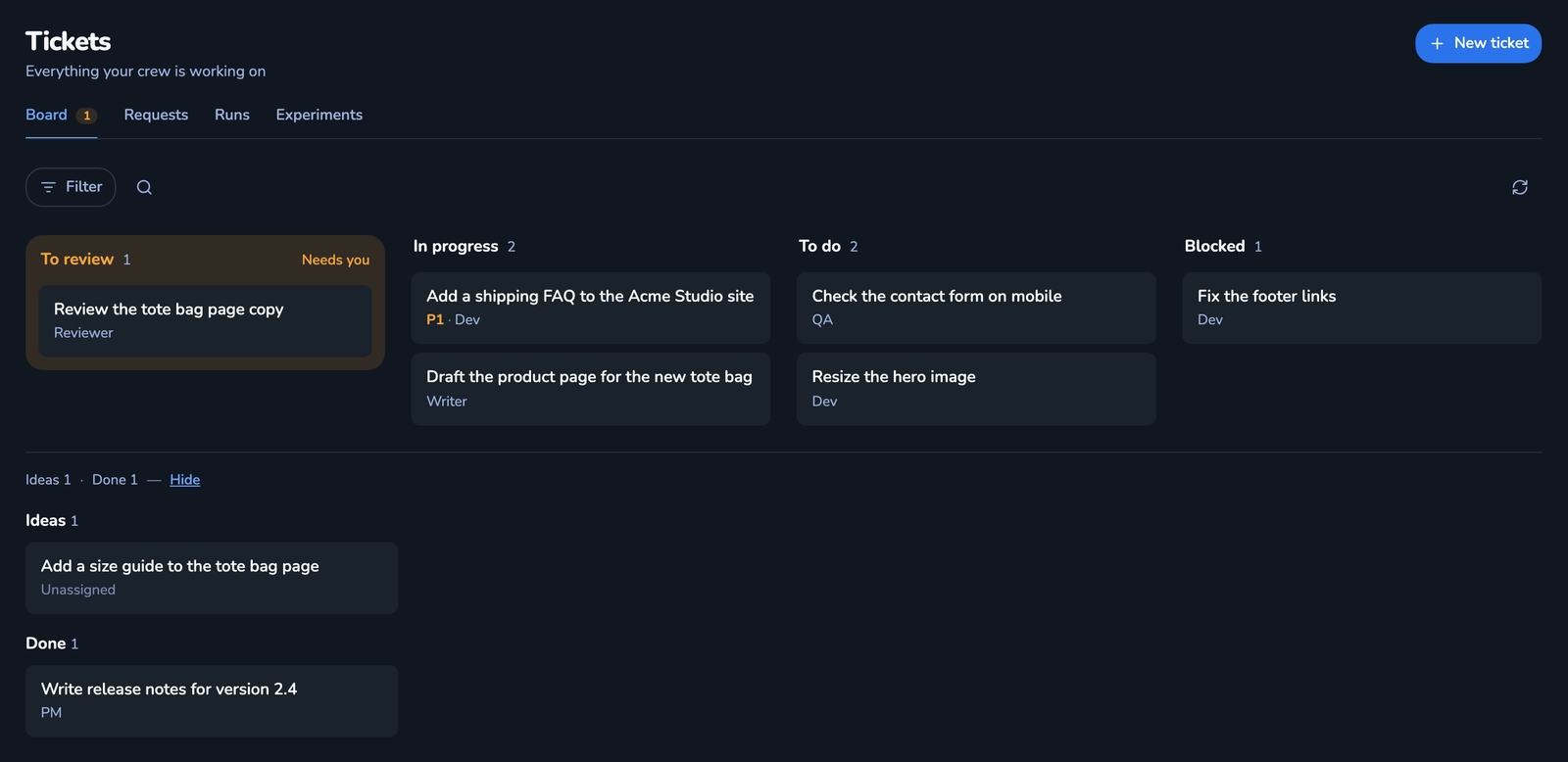 Screenshot of the Tickets board in the Crewly dashboard, with demo data: tickets in To review, In progress, To do and Blocked, plus an Ideas list and a Done list, each ticket with its assignee.
Which should you pick?
- You want to hand off one ticket and get a pull request back: Claude Code cloud sessions, or OpenHands with the agent of your choice. Devin is the commercial version of this workflow.
- You want to watch and steer individual agent conversations, with containers: OpenHands.
- You want parallel branches you review yourself, on a Mac or in cloud sandboxes: Conductor.
- You want a team with roles, memory and a lead that delegates: Crewly.
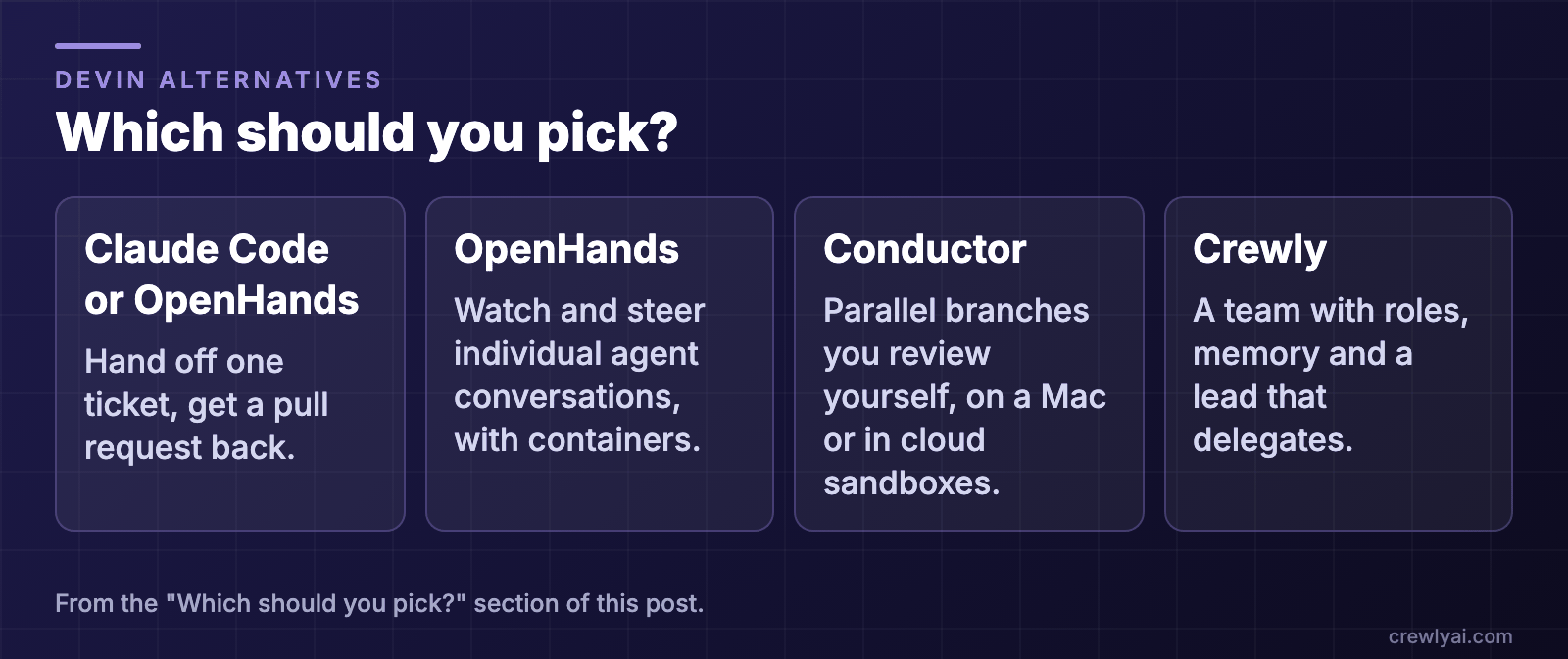 Diagram: which to pick. Hand off one ticket and get a pull request back: Claude Code cloud sessions or OpenHands. Watch and steer individual agent conversations, with containers: OpenHands. Parallel branches you review yourself, on a Mac or in cloud sandboxes: Conductor. A team with roles, memory and a lead that delegates: Crewly.
To try Crewly, install Node.js 22 or newer first (the installer from nodejs.org, or Homebrew / your package manager), then run:
curl -fsSL https://crewlyai.com/install.sh | bash
Open a new terminal and run:
crewly start
Prefer npm? npm install -g crewly works if your Node comes from Homebrew or the nodejs.org installer.
crewly start opens the dashboard at http://localhost:8787. The getting started guide covers your first team.
FAQ
What is Devin?
Devin, from Cognition, is described on its own site as "your team's autonomous software engineer". It takes engineering work from planning to a merged pull request, and you can start it by tagging @Devin in Slack or Teams, assigning a Linear or Jira issue, or delegating from its web app, Desktop or CLI.
Is there an open-source alternative to Devin?
Yes, several, with different shapes. OpenHands is MIT-licensed and presents itself as a self-hosted control center for coding agents. Crewly is MIT-licensed and runs a standing team of Claude Code, Codex and other agents on your machine. This post compares them with Claude Code and Conductor.
Can I run these without sending my code to a hosted service?
OpenHands, Crewly and Conductor's local Mac app run on your own machine, though the model calls still go to whichever model provider you configure. Claude Code runs locally too, and also offers cloud sessions on Anthropic's infrastructure if you choose them.
Which one is closest to Devin?
For delegating a ticket and getting a pull request back, Claude Code cloud sessions and OpenHands are closest in shape. For a team of agents with roles that you message in Slack, Crewly. For several parallel branches you review yourself, in a Mac app or Conductor Cloud, Conductor.
Can I use more than one?
Yes. They are different tools for different jobs, and Crewly and OpenHands can both run Claude Code and Codex.
Sources
Devin facts are from its own pages, read on 9 October 2026: devin.ai and the Devin docs. OpenHands: repository README (automations, Slack/GitHub/Linear) and docs. Claude Code: Remote Control, cloud sessions and memory. Conductor: conductor.build and its docs. Crewly: repository, crewlyai.com.