
OpenHands and Crewly are both open source, both run Claude Code and Codex, and both give you a browser view of what the agents are doing. If you have seen the old description of OpenHands as one autonomous agent in a sandbox, it is out of date: the project now presents itself as a control center for several agents. This post sets out what OpenHands does today, from its own pages as of 9 October 2026, and where a standing team such as Crewly fits better.
The short version
| OpenHands | Crewly | |
|---|---|---|
| What it is | A self-hosted control center for coding agents and automations | An open-source orchestrator for a standing team of agents |
| Core idea | One interface for agent conversations, backends and automations | Named roles you define once; each agent keeps its own memory |
| Agents | OpenHands' own agent, Claude Code, Codex, Gemini CLI or another ACP agent | Claude Code, Codex, Gemini CLI, OpenCode and Antigravity, mixed per agent |
| Who drives | You start conversations and automations | A lead agent delegates; you watch from a dashboard or Slack |
| Run it | npm install -g @openhands/agent-canvas, or a Docker image, or from source | One-line installer, then crewly start |
| Isolation | Optional Docker container per conversation | Own terminal session per agent; per-task worktrees are opt-in per project |
| Scheduled work | Automations on a schedule or in response to events | A Schedules page for recurring jobs |
| Memory across days | Not described in the pages we read | Each agent's role and memory saved under ~/.crewly/ |
| Licence | MIT | MIT |
| Best at | Watching and steering individual agent conversations, and event-driven automations | A team that keeps going and remembering, beyond code |
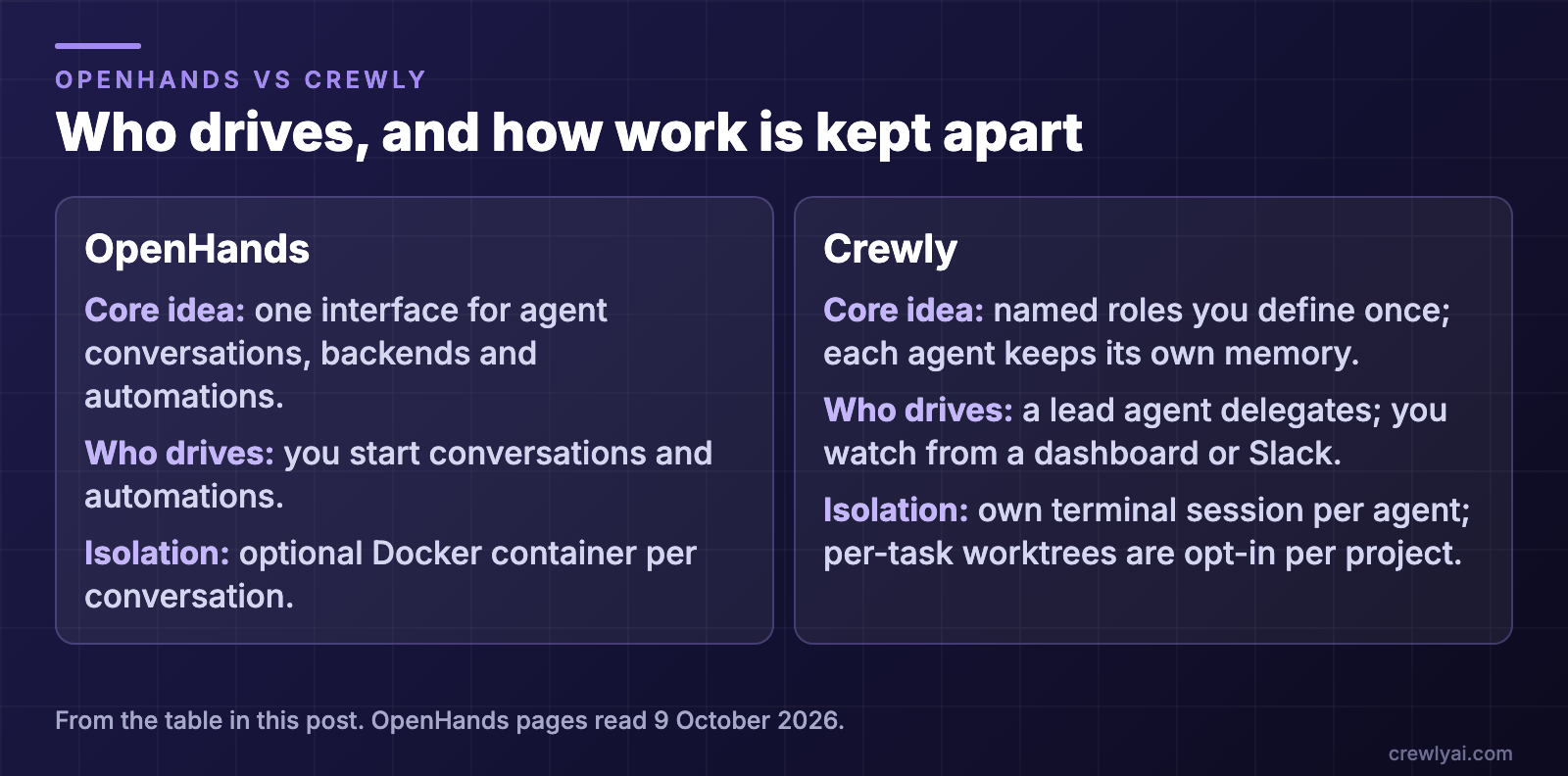 Diagram: who drives and how work is kept apart. OpenHands: one interface for agent conversations, backends and automations, you start conversations and automations, and each conversation can optionally get its own Docker container. Crewly: named roles you define once, each agent keeps its own memory, a lead agent delegates while you watch from a dashboard or Slack, and each agent has its own terminal session with per-task worktrees opt-in per project.
What is OpenHands?
The OpenHands repository describes its current product, Agent Canvas, as "the self-hosted developer control center for coding agents and automations". Its README says: "Run OpenHands, Claude Code, Codex, Gemini, or any ACP-compatible agent across local, remote, and cloud backends." The docs call it "an open-source control surface for agentic work": from one interface you can "manage conversations, files, terminals, model configuration, backends, and automations."
How it works, from the README and docs:
- Several ways to run it. The README gives a local UI (
npm install -g @openhands/agent-canvas, thenagent-canvas), a Docker image, or a source checkout. The docs also list a CLI, a Python SDK, a managed OpenHands Cloud and an Enterprise offering. They describe the older Docker-based local GUI as deprecated in favour of Agent Canvas. - Backends. A conversation belongs to one active backend, which can be a Docker container, a VM, your own infrastructure or OpenHands Cloud. You can connect several backends and switch between them.
- Other agents through ACP. The docs list "Claude Code, Codex, Gemini CLI, or another ACP agent". A running conversation keeps the agent it started with; a new choice applies to conversations you start afterwards.
- Isolation is a setting. In the Docker mode where each conversation gets its own container, the README says this isolates conversation execution but does not sandbox the whole Canvas or automation service. The npm and source installs run the agent server directly on your machine, and the README warns the agent then has full filesystem access.
- Automations. You can "run work on a schedule or in response to events", with Slack, GitHub, Linear and Notion named in the README.
What OpenHands does well
- One window for many agents. Conversations, files, terminals and settings in one browser client, across local and remote backends.
- Choice of agent. Its own agent or the CLI agents you already use, per conversation.
- Isolation you can turn on. A container per conversation.
- Event-driven automations. Work that starts from a schedule or an event, not only from you.
What OpenHands is not trying to be
The pages we read describe conversations and automations that you set up and watch. They do not describe a lead agent that splits a request and hands it out, agents that keep their own memory between sessions, or agents that take roles beyond coding. That is not a flaw; it is a different job.
Where Crewly fits
Crewly is built for the case where you do not want to open and steer each conversation yourself.
- A standing team. You define roles once (an orchestrator, a team lead, developers, a QA, or a content or sales role) and the team and each agent's memory are saved under
~/.crewly/, so they survive a restart. - A lead that delegates. A lead agent splits a request into tasks, hands them out, and checks the result before it is closed.
- Agents build their own memory. They save what they learn with a
rememberskill and read it back withrecall, as plain files on your machine. - A dashboard and Slack. Live terminal streams and a task board in the browser, and an optional Slack bridge in which each agent can have its own bot you
@or DM. See Claude Code Slack bot for every agent. - Mixed runtimes. Each agent can use a different CLI.
Two honest limits. Crewly is a heavier tool than a single browser client: it runs a local server and a dashboard. And by default its agents share the project directory, so if you want a container or a branch per task you turn on the per-project worktrees setting, or run Crewly itself in a container you set up.
 Screenshot of the agent settings in the Crewly dashboard, with demo data, side by side for three agents: one set to the Claude CLI runtime, one to the Codex CLI runtime and one to the Gemini CLI runtime, each with its own model.
Which should you pick?
- A control center for individual agent conversations, with container isolation and event-driven automations: OpenHands.
- A team with named roles that keeps working across days and remembers: Crewly.
- Both: fine. Use OpenHands for isolated runs and automations, Crewly for the work you want carried.
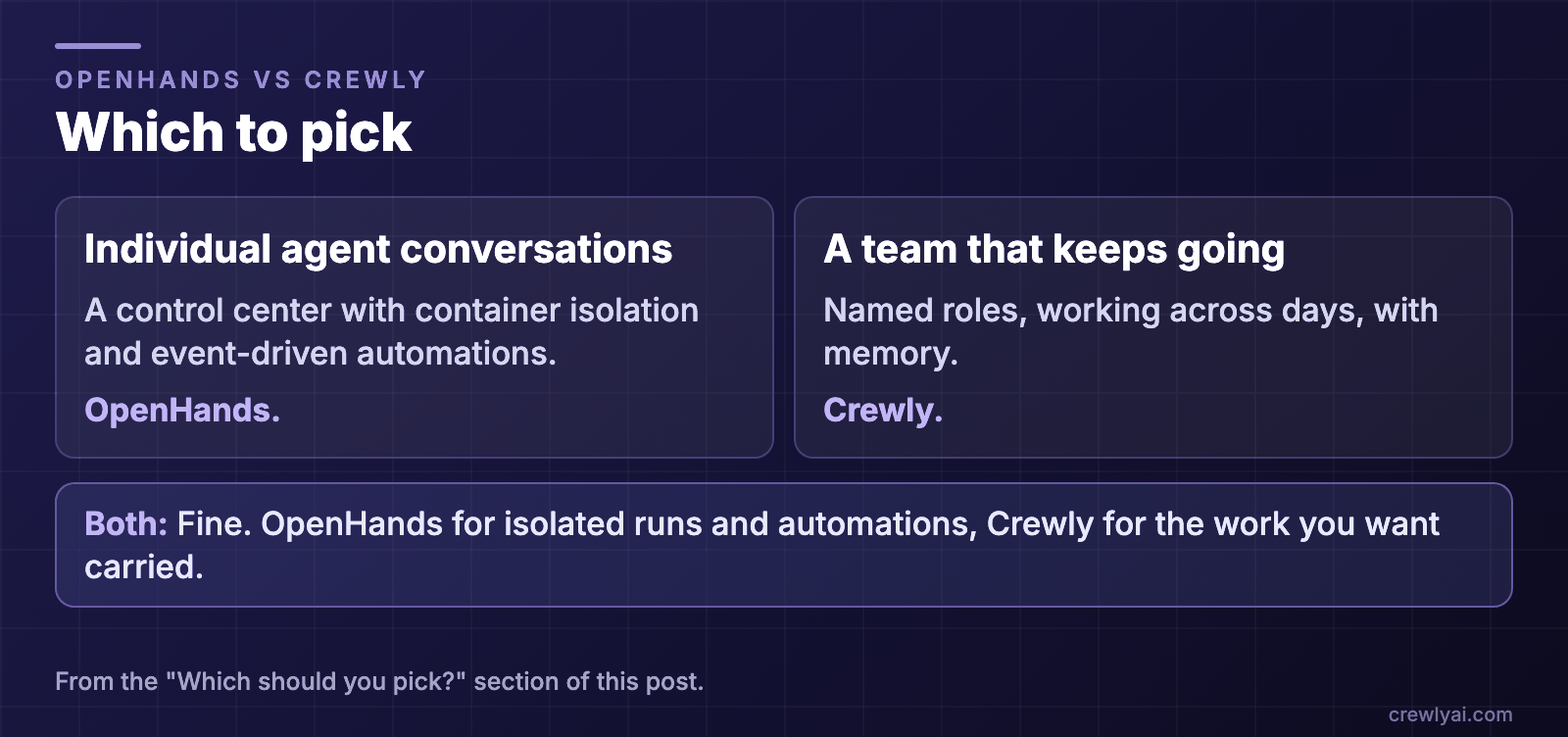 Diagram: which to pick. A control center for individual agent conversations, with container isolation and event-driven automations: OpenHands. A team with named roles that keeps working across days and remembers: Crewly. Both is fine: OpenHands for isolated runs and automations, Crewly for the work you want carried.
To try Crewly, install Node.js 22 or newer first (the installer from nodejs.org, or Homebrew / your package manager), then run:
curl -fsSL https://crewlyai.com/install.sh | bash
Open a new terminal and run:
crewly start
Prefer npm? npm install -g crewly works if your Node comes from Homebrew or the nodejs.org installer.
crewly start opens the dashboard at http://localhost:8787. The getting started guide covers your first team, and How to run multiple agents in Claude Code compares worktrees, subagents, agent teams and an orchestrator. For a Mac app that runs agents in parallel worktrees, see Conductor vs Crewly.
FAQ
What is OpenHands?
OpenHands is an open-source (MIT) project. Its repository describes the product as Agent Canvas, "the self-hosted developer control center for coding agents and automations", which runs OpenHands, Claude Code, Codex, Gemini or other ACP-compatible agents.
How is OpenHands different from Crewly?
OpenHands is built around a control surface: you manage conversations, backends, files, terminals and automations in one browser client. Crewly is built around a standing team with defined roles, where a lead agent delegates, each agent keeps its own memory, and you can follow along from a dashboard or Slack.
Can OpenHands run Claude Code and Codex?
Yes. Its docs list Claude Code, Codex, Gemini CLI or another ACP agent as options, and a conversation keeps the agent it started with. Crewly also runs Claude Code and Codex, along with Gemini CLI, OpenCode and Antigravity, mixed per agent.
Does OpenHands run agents in a sandbox?
It can. Its README describes a Docker mode in which each conversation gets its own container, and says the npm and source installs run the agent server directly on your machine with full filesystem access. Crewly agents run on your machine, in their own terminal sessions.
Can I use both?
Yes. They are different tools for different jobs. Use OpenHands to run and watch individual agent conversations and event-driven automations, and Crewly for a team you want to carry work across days.
Sources
All facts about OpenHands are from its own pages, read on 9 October 2026: the OpenHands repository README, the documentation overview, the Agent Canvas overview and ACP Agents. We do not repeat benchmark claims or prices; check the pages. Crewly: repository, crewlyai.com.