
Claude Squad and Crewly both let you run more than one AI coding agent at a time, and people often ask which to use. They start from different ideas. This post sets out what Claude Squad does, from its own README as of 8 October 2026, and where a standing team such as Crewly is the better fit.
The short version
| Claude Squad | Crewly | |
|---|---|---|
| What it is | A terminal app that manages several agent sessions | An open-source orchestrator for a standing team of agents |
| Core idea | One isolated workspace per task, all in one window | Named roles you define once; each agent keeps its own memory |
| Who drives | You: start, switch, review, push | A lead agent delegates; you watch from a dashboard or Slack |
| Agents | Claude Code (default), Codex, Gemini, Aider, others via a flag | Claude Code, Codex, Gemini CLI, OpenCode and Antigravity, mixed per agent |
| Isolation | tmux session plus a git worktree per task | Own terminal session per agent, no tmux; per-task worktrees are opt-in per project |
| Setup | Homebrew or an install script; needs tmux and gh | One-line installer, then crewly start |
| Interface | Terminal UI | Web dashboard, terminal streams, optional Slack |
| Memory across days | Not described in the README | Each agent's role and memory saved under ~/.crewly/ |
| Licence | AGPL-3.0 | MIT |
| Best at | Several parallel branches you steer yourself | A team that keeps going and remembering, beyond code |
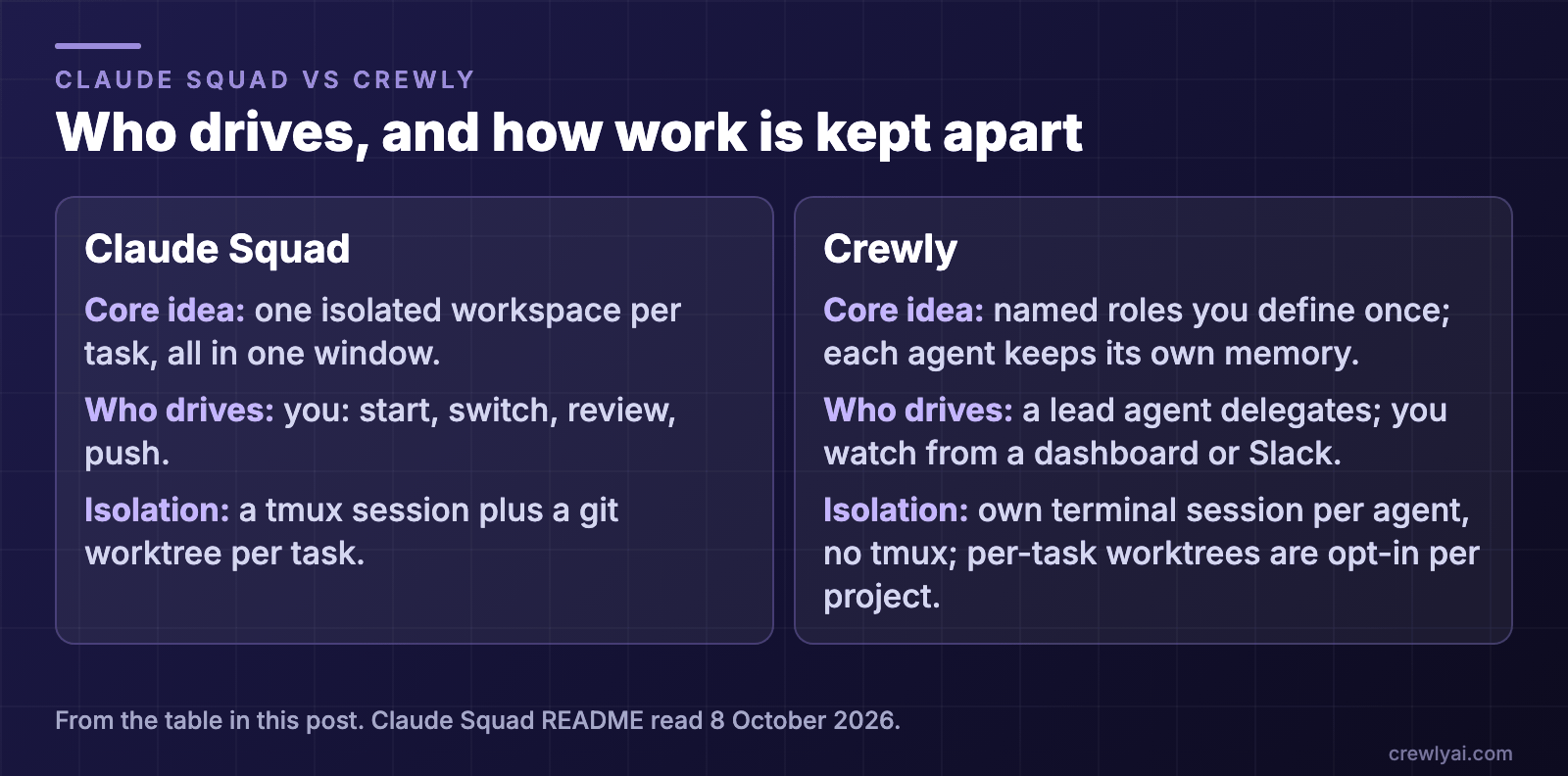 Diagram: who drives and how work is kept apart. Claude Squad: one isolated workspace per task in one window, you start, switch, review and push, and each task gets a tmux session plus a git worktree. Crewly: named roles you define once, each agent keeps its own memory, a lead agent delegates while you watch from a dashboard or Slack, and each agent has its own terminal session with no tmux; per-task worktrees are opt-in per project.
What is Claude Squad?
Claude Squad's README calls it a terminal app that manages multiple Claude Code, Codex and Gemini agents, plus other local agents such as Aider, "each in its own workspace" so you can work on several tasks at once. It had about 8,600 GitHub stars on 8 October 2026.
How it works, in its own words:
- tmux "to create isolated terminal sessions for each agent."
- Git worktrees "to isolate codebases so each session works on its own branch."
- "Each task gets its own isolated git workspace, so no conflicts."
Installation is Homebrew (brew install claude-squad, then a symlink to cs) or its install script. It needs tmux and the GitHub CLI. Features the README lists: tasks run in the background, including an auto-accept mode (the -y flag, which the README marks as experimental); one window to manage every instance; reviewing and checking out changes before you push; and named profiles for switching between agent programs. It is licensed AGPL-3.0.
What Claude Squad does well
- It stays small. One terminal, one binary, no server to run.
- Isolation is built in. Every task gets its own branch, so two agents cannot overwrite each other.
- Review comes before push. You look at each change before it leaves your machine.
- Agent choice per task. Profiles make it quick to run Claude Code on one task and Codex on the next.
What Claude Squad is not trying to be
The README describes a manager for sessions you start. It does not describe agents that hand work to each other, keep their own memory between sessions, or take roles beyond writing code. That is not a flaw; it is a different job.
Where Crewly fits
Crewly is built for the case where you do not want to steer every session yourself.
- A standing team. You define roles once (an orchestrator, a team lead, developers, a QA, or a content or sales role) and the team and each agent's memory are saved under
~/.crewly/, so they survive a restart. - A lead that delegates. A lead agent splits a request into tasks, hands them out, and checks the result before it is closed.
- Agents build their own memory. They save what they learn with a
rememberskill and read it back withrecall, as plain files on your machine. - A dashboard and Slack. Live terminal streams and a task board in the browser, and an optional Slack bridge so you can follow and nudge the team away from your desk.
- Mixed runtimes. Each agent can use a different CLI.
Two honest limits. Crewly is a heavier tool than a single binary: it runs a local server and a dashboard. And by default its agents share the project directory, so if you want Claude Squad's branch-per-task isolation you turn on the per-project worktrees setting.
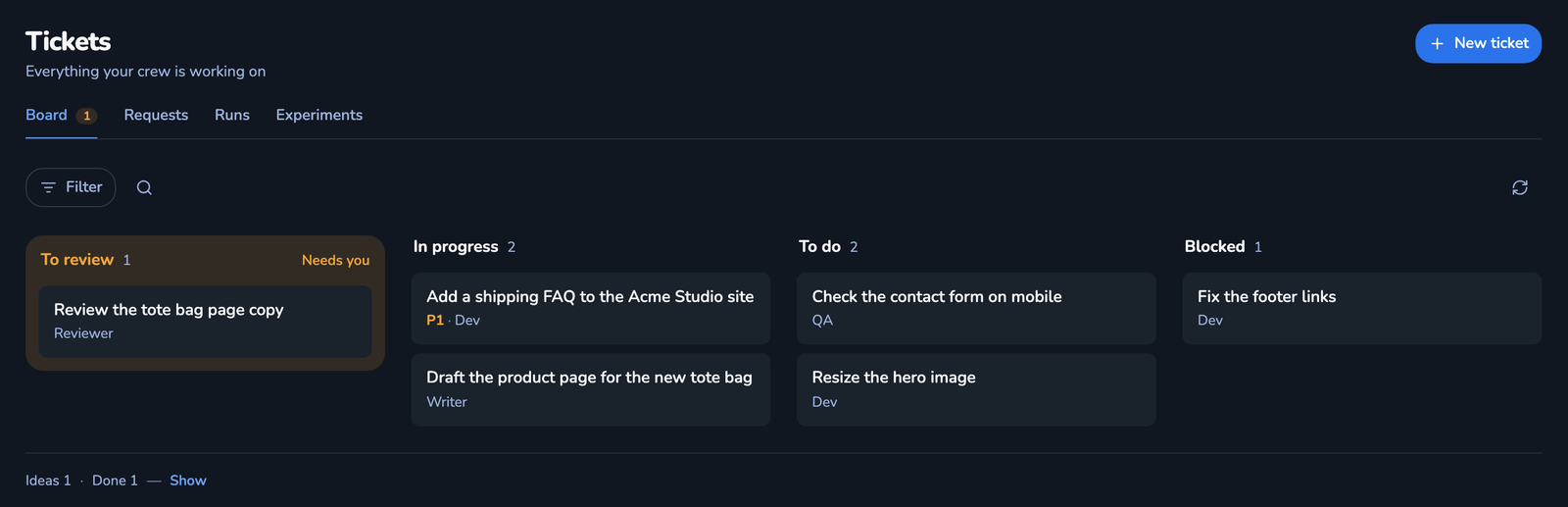 Screenshot of the Tickets board in the Crewly dashboard, with demo data: tickets spread over To review, In progress, To do and Blocked, each with its assignee, such as "Add a shipping FAQ to the Acme Studio site" in progress and "Check the contact form on mobile" to do.
Which should you pick?
- A few parallel tasks you will steer and review yourself, in one terminal: Claude Squad.
- A team with named roles that keeps working across days and remembers: Crewly.
- Both: fine. Use Claude Squad for quick isolated branches, Crewly for the work you want carried.
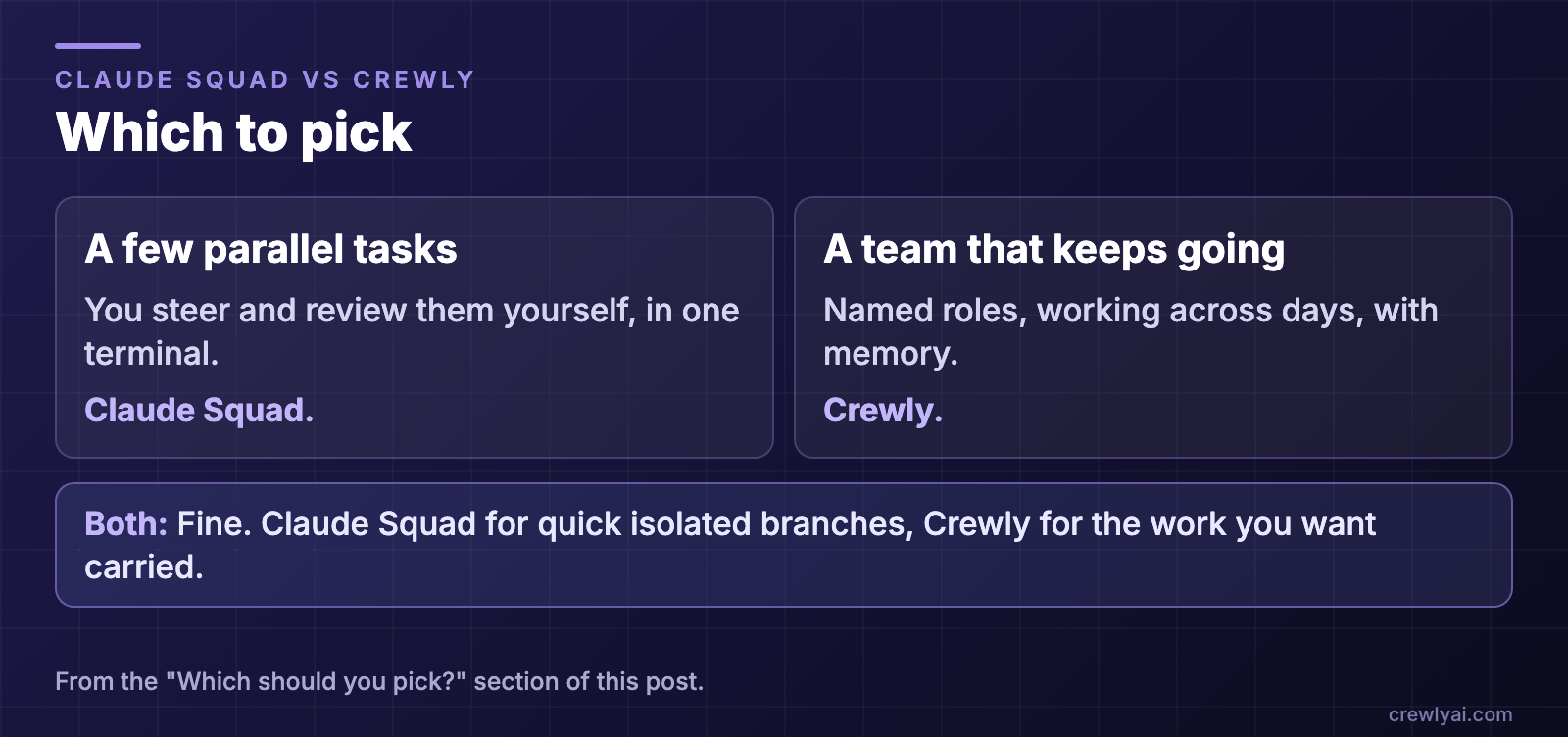 Diagram: which to pick. A few parallel tasks you steer and review yourself in one terminal: Claude Squad. A team with named roles that keeps working across days and remembers: Crewly. Both is fine: Claude Squad for quick isolated branches, Crewly for the work you want carried.
To try Crewly, install Node.js 22 or newer first (the installer from nodejs.org, or Homebrew / your package manager), then run:
curl -fsSL https://crewlyai.com/install.sh | bash
Open a new terminal and run:
crewly start
Prefer npm? npm install -g crewly works if your Node comes from Homebrew or the nodejs.org installer.
crewly start opens the dashboard at http://localhost:8787. The getting started guide covers your first team, and How to run multiple agents in Claude Code compares worktrees, subagents, agent teams and an orchestrator.
Sources
All facts about Claude Squad are from its README, read on 8 October 2026: github.com/smtg-ai/claude-squad (AGPL-3.0, about 8,600 stars). Crewly: repository, crewlyai.com.