
OpenClaw and Crewly are both open source, both run on your own machines, both keep memory as plain files and both can run more than one agent. They start from different places. OpenClaw starts from the chat app you already use, and Crewly starts from a team of coding and ops agents. This post sets out what OpenClaw does, from its own README and docs as of 9 October 2026, and where each one fits.
The short version
| OpenClaw | Crewly | |
|---|---|---|
| What it is | An AI assistant that runs on your computer and meets you in your chat channels | An open-source orchestrator for a standing team of agents |
| Core idea | One Gateway connects channels, sessions and tools; a binding routes a channel to an agent | Named roles you define once; a lead agent delegates; each agent keeps its own memory |
| Where you talk to it | WhatsApp, Telegram, Slack, Discord, iMessage and 20+ more channels, plus a Control UI, CLI and TUI | Web dashboard and terminal streams; optional Slack, with a bot per agent |
| Agents | Per-persona agents, with a team preset (coordinator, researcher, writer, reviewer); models and agent harnesses (Claude, Codex, local models) are swappable plugins; external coding harnesses run through ACP agents | Claude Code, Codex, Gemini CLI, OpenCode and Antigravity, mixed per agent |
| Memory | Markdown files in the agent workspace (MEMORY.md, daily notes) with search | Each agent's role and memory saved under ~/.crewly/; project memory in .crewly/ |
| Scheduled work | Automations: a built-in scheduler with cron-style schedules, inbound webhooks and condition watchers (heartbeat has its own docs page) | A Schedules page for recurring jobs |
| Install | An install script that provisions a supported Node.js when needed, or the npm package (Node 24.16+ or 26.1+) | One-line installer, then crewly start (Node 22+) |
| Licence | MIT | MIT |
| Best at | A personal or shared assistant across the channels you already use | A standing team of coding CLIs working through tickets in your project |
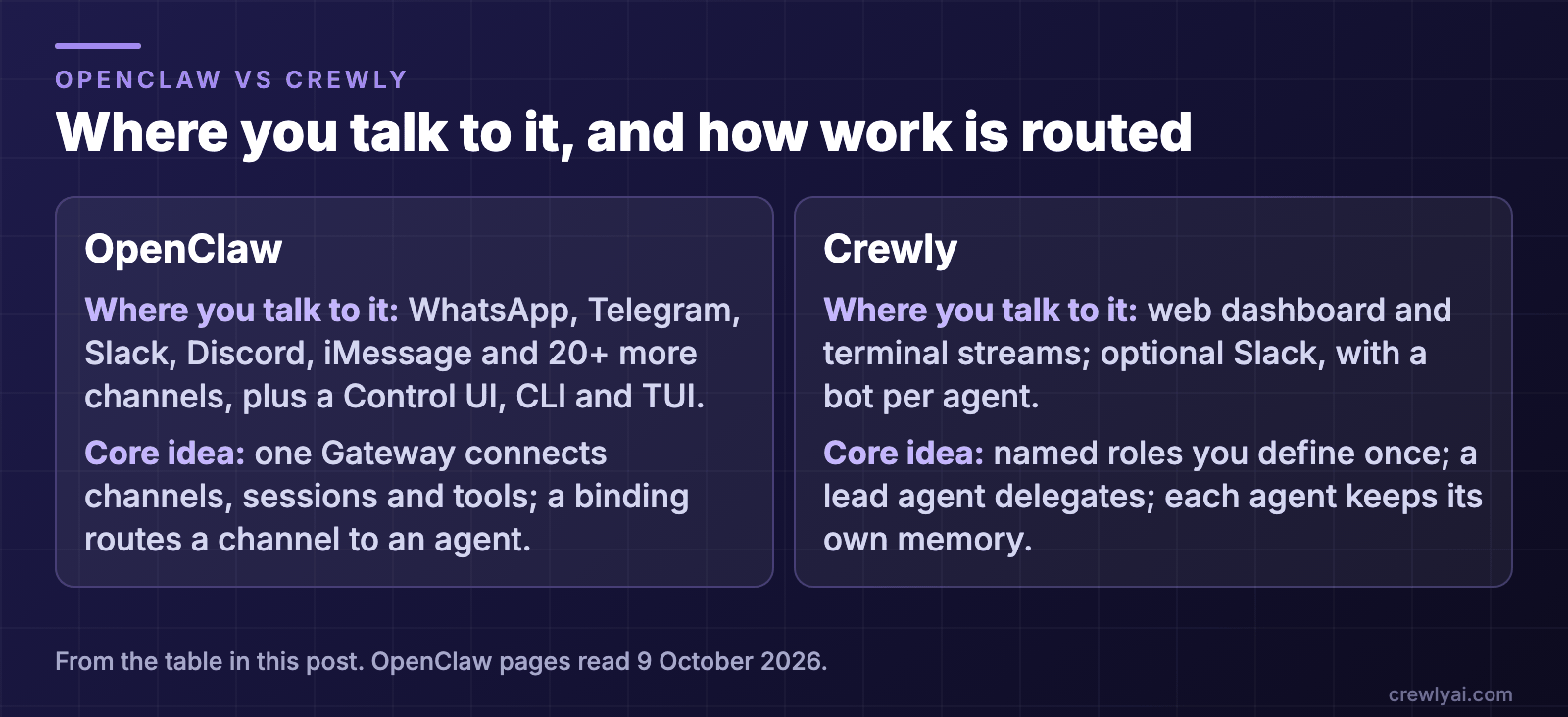 Diagram: where you talk to it and how work is routed. OpenClaw: WhatsApp, Telegram, Slack, Discord, iMessage and 20+ more channels, plus a Control UI, CLI and TUI; one Gateway connects channels, sessions and tools, and a binding routes a channel to an agent. Crewly: a web dashboard and terminal streams, with optional Slack and a bot per agent; named roles you define once, a lead agent delegates, and each agent keeps its own memory.
What is OpenClaw?
OpenClaw's README says it is an open-source AI assistant that "runs on your own computer and meets you in the channels you already use". The Gateway is "the local control plane for sessions, tools, events, and channel connections", and the Control UI, CLI and TUI connect to it. It lists Discord, iMessage, Slack, Teams, Telegram, WhatsApp "and 20+ more" channels.
How it works, from the README and docs:
- Agents are personas. The docs define an agent as "the full per-persona scope: workspace files, auth profiles, model registry, and session store." A binding "maps a channel account (a Slack workspace, a WhatsApp number, etc.) to one of those agents", and routing is deterministic: the most specific binding wins.
- Agents can work together. Cross-agent session access is on by default and governed by
tools.agentToAgent. The team preset "creates a chief of staff (coordinator), researcher, writer, and reviewer"; the coordinator assigns bounded work and "checks their artifacts". - Coding harnesses. The README lists "agent harnesses (Claude, Codex, local models)" among the plugins you can swap, and the multi-agent docs link ACP agents for "running external coding harnesses".
- Memory is plain files. The docs say "the model only remembers what gets saved to disk; there is no hidden state".
MEMORY.mdholds long-term facts, dated notes sit inmemory/YYYY-MM-DD.md, and a search tool finds them again. - Automations. The built-in scheduler persists jobs, wakes the agent at the right time and can deliver output to a chat channel, a webhook or nowhere. The docs also cover inbound webhooks and condition watchers. Heartbeat has its own page, separate from Automations.
- Skills. Skills, tools and plugins extend it, and the README says new capabilities usually belong in plugins "shared through ClawHub".
- Security stance. The README says to "treat inbound messages as untrusted input" and that tools run on the host for the main session unless you configure sandboxing.
What OpenClaw does well
- It meets you where you already are. Your assistant answers in the chat app on your phone, without a new interface to learn.
- Many channels, one Gateway. One install can serve several channels and several people.
- Per-agent separation. Each agent has its own workspace, auth and session store.
- Scheduled and event-driven work built in.
Where the two differ
This is not a feature checklist, because OpenClaw can do more of what Crewly does than you might expect: a coordinator, a reviewer role, external coding harnesses. The difference is the centre of gravity. OpenClaw's README says one Gateway "runs it as a personal assistant on a laptop or as a shared team deployment", reached through chat channels and native apps. Crewly is organised around a software project: each agent is a CLI session in your repo, work is tracked as markdown tickets, and you watch the terminals live. If your day is in chat apps, that favours OpenClaw. If your day is in a repo, it favours Crewly.
Where Crewly fits
Crewly is built around the project: the work lives in your repo, not in a chat thread.
- A standing team. You define roles once (an orchestrator, a team lead, developers, a QA, or a content or sales role) and the team and each agent's memory are saved under
~/.crewly/, so they survive a restart. - A lead that delegates. A lead agent splits a request into tasks, hands them out, and checks the result before it is closed.
- Tickets in your project. Work is kept as plain markdown tickets under
.crewly/tickets, and the ones waiting for your review appear in a Waiting on you list in Crewly Cloud. See Crewly in September. - Coding CLIs as team members. Each agent is a Claude Code, Codex or other CLI session, and each can use a different one.
- A dashboard and Slack. Live terminal streams and a task board in the browser, and an optional Slack bridge in which each agent can have its own bot you
@or DM. See Claude Code Slack bot for every agent.
Two honest limits. Crewly is not an assistant for your personal chat apps: Slack is the one chat bridge we describe here. And by default its agents share the project directory, so if you want a branch per task you turn on the per-project worktrees setting.
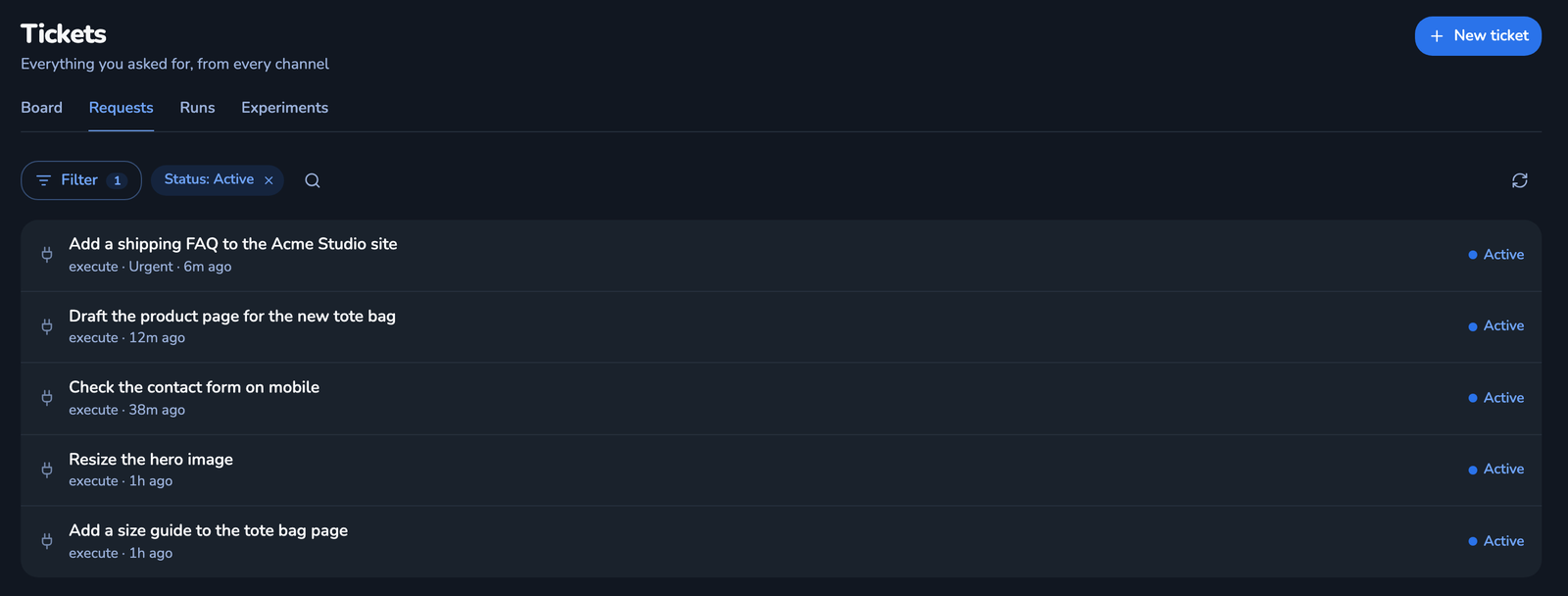 Screenshot of the Tickets page in the Crewly dashboard, Requests tab, with demo data: five active requests, such as "Add a shipping FAQ to the Acme Studio site" (6m ago) and "Draft the product page for the new tote bag" (12m ago).
Which should you pick?
- An assistant in WhatsApp, Telegram, Discord or iMessage, shared with a household or a small group: OpenClaw.
- A team of coding and ops agents with roles, tickets and review, that keeps working across days: Crewly.
- Both: fine. Keep your chat assistant where you talk, and the team where the work is.
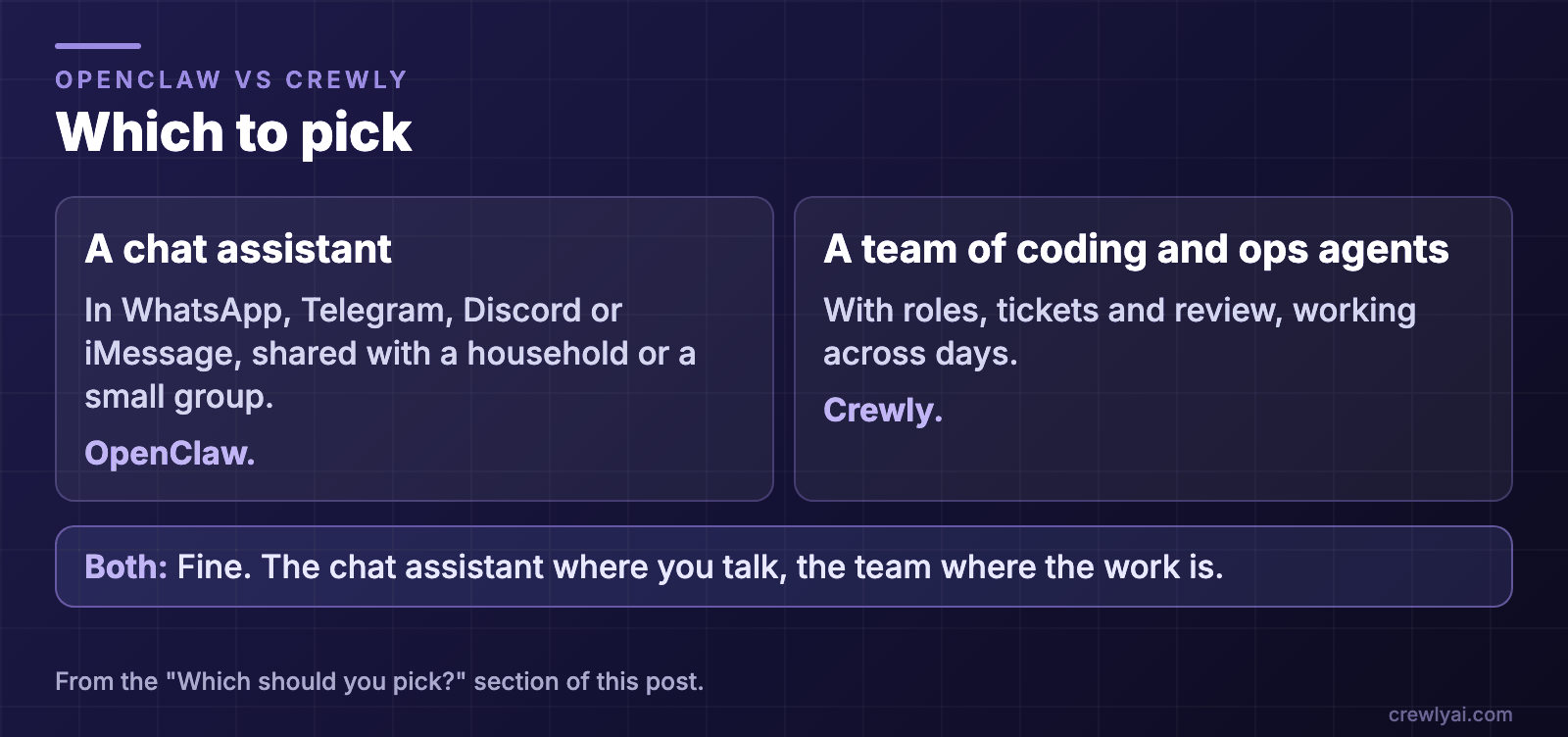 Diagram: which to pick. A chat assistant in WhatsApp, Telegram, Discord or iMessage, shared with a household or a small group: OpenClaw. A team of coding and ops agents with roles, tickets and review, working across days: Crewly. Both is fine: the chat assistant where you talk, the team where the work is.
To try Crewly, install Node.js 22 or newer first (the installer from nodejs.org, or Homebrew / your package manager), then run:
curl -fsSL https://crewlyai.com/install.sh | bash
Open a new terminal and run:
crewly start
Prefer npm? npm install -g crewly works if your Node comes from Homebrew or the nodejs.org installer.
crewly start opens the dashboard at http://localhost:8787. The getting started guide covers your first team, and How to run multiple agents in Claude Code compares worktrees, subagents, agent teams and an orchestrator. For another comparison of a control center with a team, see OpenHands vs Crewly.
FAQ
What is OpenClaw?
OpenClaw is an open-source (MIT) AI assistant that, in its README's words, "runs on your own computer and meets you in the channels you already use". The Gateway is "the local control plane for sessions, tools, events, and channel connections", and the README lists WhatsApp, Telegram, Slack, Discord, Google Chat, Signal and iMessage among 20+ channels.
How is OpenClaw different from Crewly?
Both can run a coordinator with specialists. OpenClaw's front door is the chat channel: an assistant, or several, that meets you in the channels you already use, with a team preset you can add. Crewly's front door is the project: a standing team of Claude Code and Codex CLI sessions with roles, markdown tickets in your repo and a dashboard of live terminals. Pick by where you want to work, not by which one has a lead agent.
Does OpenClaw support more than one agent?
Yes. Its docs define an agent as a per-persona scope with its own workspace, auth profiles, model registry and session store, and a binding maps a channel account to an agent. They also describe a team preset that "creates a chief of staff (coordinator), researcher, writer, and reviewer", in which the coordinator assigns bounded work and "checks their artifacts".
Does OpenClaw remember things between sessions?
Yes. Its docs say memory is plain Markdown in the agent's workspace (MEMORY.md for long-term facts, dated daily notes) and that the model only remembers what gets saved to disk. Crewly agents also keep memory as plain files on your machine, under ~/.crewly/ and the project's .crewly/ folder.
Can I use both?
Yes. Use OpenClaw for an assistant that lives in your chat apps, and Crewly for a team of coding and ops agents working in your project.
Sources
All facts about OpenClaw are from its own pages, read again on 9 October 2026: the OpenClaw README (raw text, for the quotes), multi-agent concepts, memory and automation. Crewly: repository, crewlyai.com.