
Three open-source projects now answer the question "how do I run a team of AI agents?" in three different ways. OpenRig wraps the coding CLIs you already use. Docker Agent is a YAML runtime for agents that call models directly. Crewly is ours: an orchestrator for a standing team of named roles. This post sets out what the first two do, taken from their own READMEs and docs on 8 October 2026, and where each fits.
The short version
| Dimension | OpenRig | Docker Agent | Crewly |
|---|---|---|---|
| What it is | A harness that runs Claude Code, Codex and Pi sessions as one team | A builder and runtime for agents defined in YAML | An orchestrator for a standing AI team |
| Core idea | "A harness wraps a model. A rig wraps your harnesses." | Declarative agents with tools, MCP servers and delegation | Named roles you define once; each agent keeps its own memory |
| Agents are | Claude Code / Codex / Pi sessions in tmux | Model-API agents with built-in and MCP tools | Coding CLIs (Claude Code, Codex, Gemini and others) |
| Install | npm install -g @openrig/cli, then rig setup | Pre-installed in Docker Desktop, or brew install docker-agent | curl -fsSL https://crewlyai.com/install.sh | bash, then crewly start |
| Needs | Node.js 22 or 24, tmux; macOS or Linux | A model API key, or a local model through Docker Model Runner | Node.js 22+ |
| Interface | CLI and terminal UI | CLI and terminal UI | Web dashboard, CLI and Slack |
| License | Apache 2.0 | Apache 2.0 | MIT |
| Best at | A persistent, recoverable coding team on one project | Portable, shareable agents defined as config | A team that keeps working and remembering across days, beyond code |
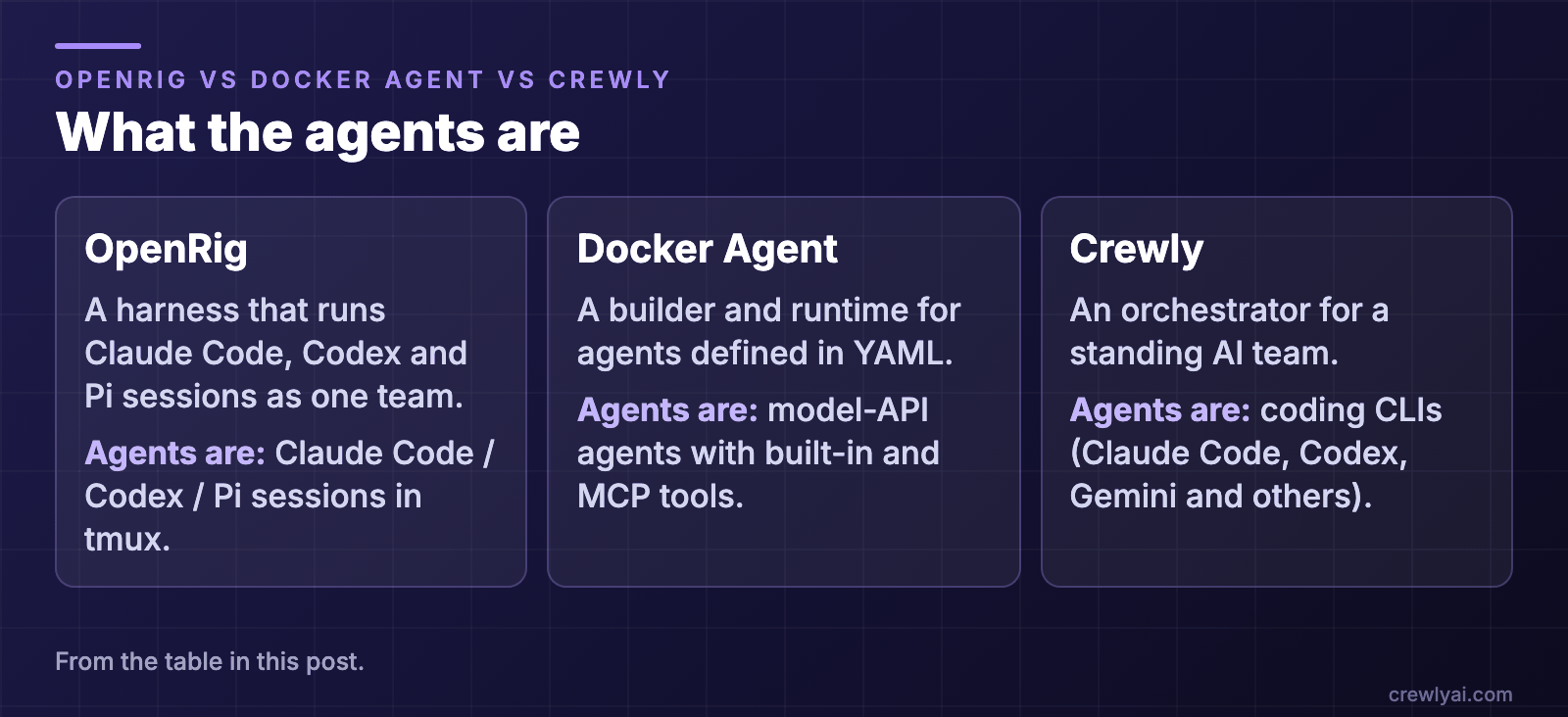 Diagram: what the agents are. OpenRig: a harness that runs Claude Code, Codex and Pi sessions as one team, in tmux. Docker Agent: a builder and runtime for agents defined in YAML, which are model-API agents with built-in and MCP tools. Crewly: an orchestrator for a standing AI team, whose agents are coding CLIs such as Claude Code, Codex and Gemini.
What is OpenRig?
OpenRig describes itself as "open-source software for building and running your own network of agents". You define a team in YAML, boot it with rig up, and talk to a lead agent that coordinates specialists (README). Agents are native Claude Code and Codex sessions, plus Pi through an RPC runner, each in a tmux session you can attach to.
What OpenRig does well
- Recovery is a first-class idea.
rig down --snapshotcaptures the team's state andrig up <name>restores it, reporting per seat whether the conversation resumed, was re-primed, or needs your decision (Key Concepts). - Stable seats. A seat is "a stable role and address in a rig, such as
dev-build@starter"; the conversation occupying it can change while its identity and authored context remain. - Ready-made teams. The README lists
starter(a builder and a reviewer),workshopand a seven-agentfactory, plus review, research and product-management teams. - Mixed providers in one team, with an MCP server so agents can manage their own topology.
- Candid about what it changes on your machine. The README has a table of the config, hooks and trust settings that setup writes, and says to read it before installing.
What OpenRig is not trying to be
It is a harness for coding agents on macOS and Linux (Windows runs through WSL2), operated from the terminal. It is built around software work rather than a business team with content or sales roles, and it has no web dashboard as its main interface; the older React web UI is in maintenance mode.
What is Docker Agent?
Docker Agent (previously published as cagent; github.com/docker/cagent now redirects to github.com/docker/docker-agent) is described as an "AI Agent Builder and Runtime by Docker Engineering". It runs as a docker CLI plugin: you write a YAML file with a model, instructions and toolsets, then run docker agent run agent.yaml (README).
What Docker Agent does well
- Declarative and shareable. Agents are YAML you can version, and you can push them to any OCI registry and run them elsewhere.
- Provider-agnostic. The README lists OpenAI, Anthropic, Gemini, AWS Bedrock, Mistral, xAI and Docker Model Runner for local models.
- A broad tool ecosystem. Built-in tools plus any MCP server, local, remote or Docker-based, and pluggable retrieval (RAG).
- Multi-agent delegation. You can define teams of specialist agents that delegate tasks to each other.
- Memory as a tool. An optional memory tool keeps key-value memories in a local SQLite database, so they survive across sessions.
- Already on your machine. It comes pre-installed in recent Docker Desktop releases.
What Docker Agent is not trying to be
It builds agents that call models through APIs; it does not run Claude Code or Codex as team members. If your goal is "use the coding CLI I already pay for, as several coordinated teammates", that is a different job.
Where Crewly fits
Crewly is an open-source orchestrator built around a standing team. You define roles once (an orchestrator, a team lead, a developer, a content strategist, a sales rep) and each agent keeps its role and memory:
- Teams, roles and each agent's memory are saved under
~/.crewly/, so they survive a restart of Crewly or the machine. - Agents build their own memory. They store what they learn with a
rememberskill and read it back withrecall, at agent and project level, as plain files on your machine. - Mixed runtimes in one team. Each agent can run Claude Code, Codex, Gemini CLI or another supported CLI.
- Not only engineering. The same team model runs content, research and sales roles, reachable from a web dashboard or Slack.
OpenRig and Crewly are the closest pair: both put coding CLIs into a persistent team. They differ in interface and scope. OpenRig is terminal-first, tmux-based and focused on software projects. Crewly adds a dashboard, Slack and roles beyond code.
 Screenshot of the ticket board columns in the Crewly dashboard, with demo data: one ticket to review, two in progress, two to do and one blocked, each with its assignee.
Which one should you pick?
- You want a persistent coding team in the terminal, with snapshot and restore: try OpenRig.
- You want portable, config-defined agents that call model APIs, with MCP tools: try Docker Agent.
- You want a standing team with named roles that remembers across days and works beyond code: try Crewly.
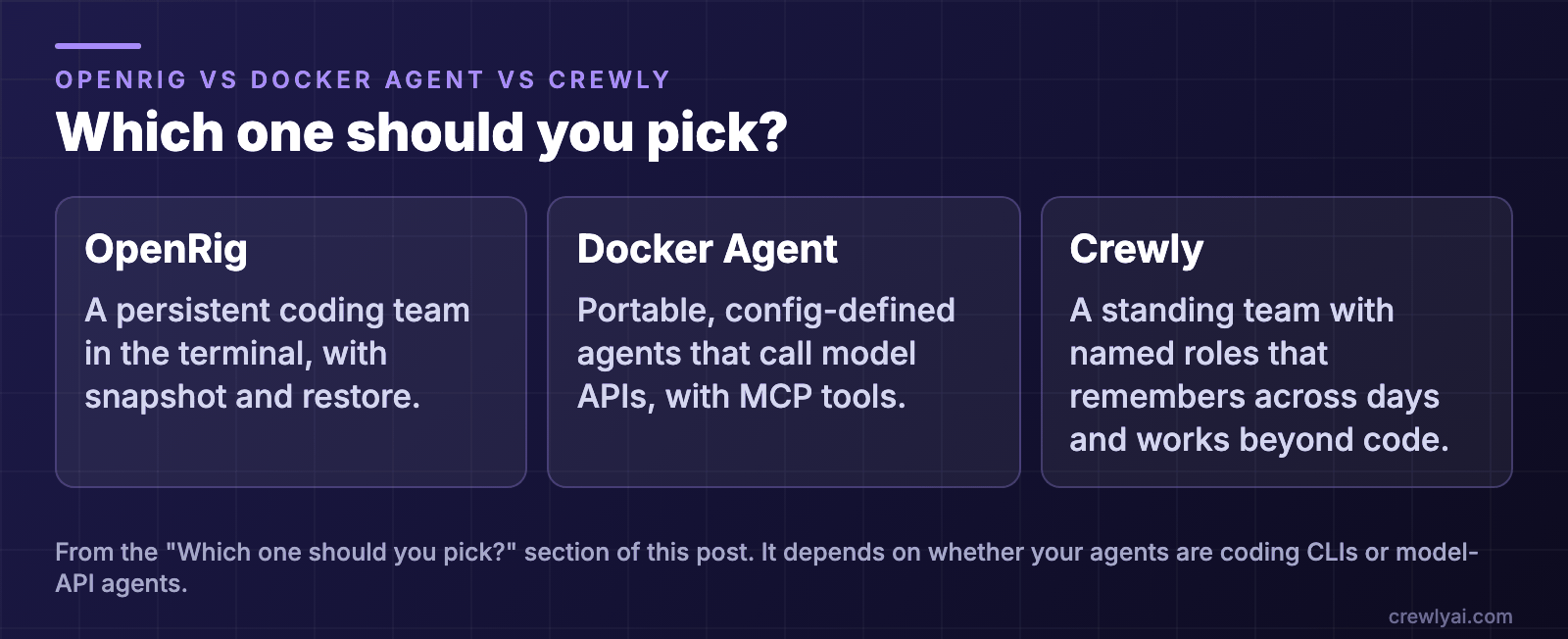 Diagram: which one should you pick. A persistent coding team in the terminal, with snapshot and restore: OpenRig. Portable, config-defined agents that call model APIs, with MCP tools: Docker Agent. A standing team with named roles that remembers across days and works beyond code: Crewly.
The right choice depends on whether your agents are coding CLIs or model-API agents.
curl -fsSL https://crewlyai.com/install.sh | bash
Open a new terminal and run:
crewly start
Prefer npm? npm install -g crewly works if your Node (22 or newer) comes from Homebrew or the nodejs.org installer; then run crewly start, which opens the dashboard at http://localhost:8787. The getting started guide covers requirements and your first team.
Sources
All details from each project's own pages, accessed 8 October 2026.
- OpenRig: README, repository (Apache 2.0, release v0.6.7)
- Docker Agent: README, documentation, memory tool (Apache 2.0, release v1.149.0)
- Docker Agent rename: github.com/docker/cagent redirects to github.com/docker/docker-agent (checked 8 October 2026)
- Crewly: repository, crewlyai.com